




HOW WE WORK
From Manufacturing to Your Facility
Every product undergoes strict manufacturing controls, advanced laboratory testing, and comprehensive quality verification to ensure consistency, purity, and reliability before global distribution.
1
Manufacturing
Products are manufactured in controlled facilities using high-grade raw materials and strict production protocols.
2
Quality Testing
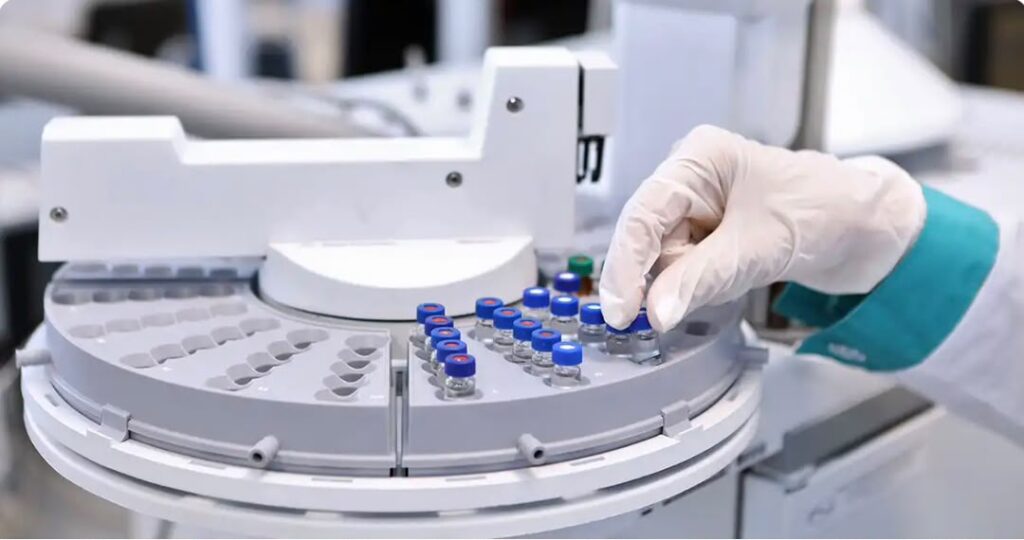
Each batch undergoes comprehensive HPLC analysis to verify purity, consistency, and product quality.
3
Identity Verification
Advanced analytical methods confirm molecular identity and ensure every batch meets established specifications.
4
Worldwide Shipping
Products are securely packaged and dispatched globally with reliable logistics and careful handling procedures.
HIGH-PURITY PEPTIDE FOR RESEARCH ONLY


LAB PEPTIDE
Price range: 60 $ through 325 $
This product has multiple variants. The options may be chosen on the product page


our mission

OUR MISSION
To advance scientific research by providing premium-quality peptides and research compounds manufactured with precision, verified through rigorous testing, and delivered with exceptional reliability.
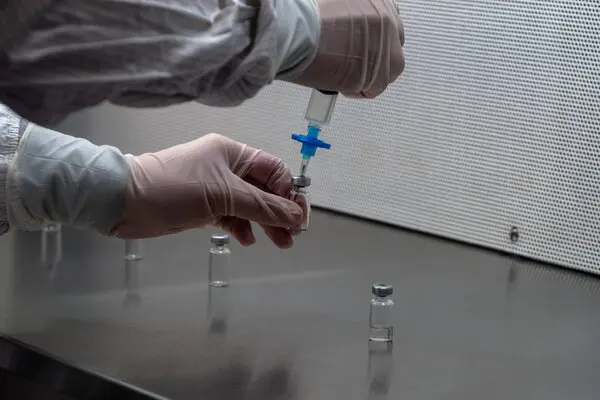
SUCCESSFUL DELIVERY
Trusted Results, Delivered
Our commitment to quality, consistency, and reliable logistics has helped customers worldwide receive premium-grade products with confidence.
0
ORDERS FULFILLED
0
VIALS SHIPPED
0
PURITY GUARANTEED
OUR VISION
To become a globally trusted leader in peptide manufacturing and research solutions, supporting innovation and discovery through uncompromising quality standards.
RESEARCH PEPTIDES ONLY
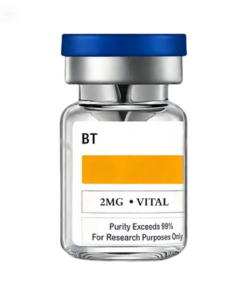
LAB PEPTIDE
Price range: 40 $ through 120 $
This product has multiple variants. The options may be chosen on the product page
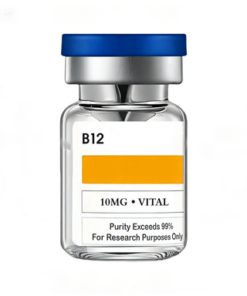
LAB PEPTIDE
Price range: 100 $ through 180 $
This product has multiple variants. The options may be chosen on the product page
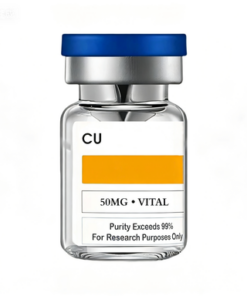
LAB PEPTIDE
Price range: 35 $ through 50 $
This product has multiple variants. The options may be chosen on the product page
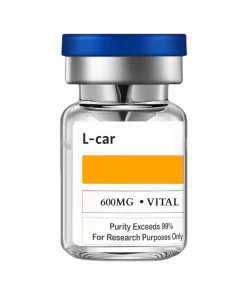
LAB PEPTIDE
Price range: 60 $ through 115 $
This product has multiple variants. The options may be chosen on the product page
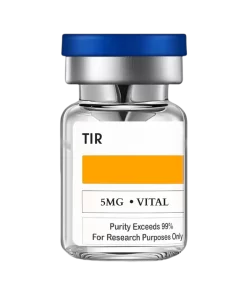
LAB PEPTIDE
Price range: 40 $ through 350 $
This product has multiple variants. The options may be chosen on the product page
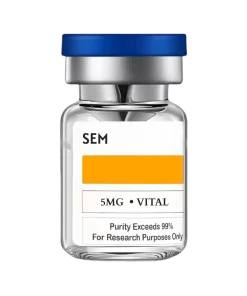
LAB PEPTIDE
Price range: 40 $ through 100 $
This product has multiple variants. The options may be chosen on the product page
LAB PEPTIDE
Price range: 50 $ through 95 $
This product has multiple variants. The options may be chosen on the product page
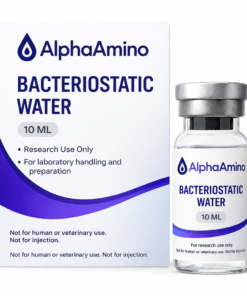
Bacteriostatic Water
Price range: 10 $ through 20 $
This product has multiple variants. The options may be chosen on the product page
Sale!
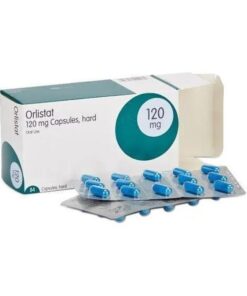
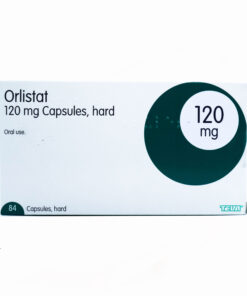
Original price was: 110 $.86 $Current price is: 86 $.
LAB PEPTIDE
Price range: 60 $ through 325 $
This product has multiple variants. The options may be chosen on the product page
CUSTOMER FEEDBACK
4.5
★★★★☆
Based on 180+ reviews
We’re proud of our 4.5 rating but always looking to improve. Here’s a breakdown of how our clients rate us.
5 ★
86%
4 ★
12%
3 ★
2%
2 ★
0%
1 ★
0%
LEAVE YOUR FEEDBACK
Share Your Experience
Takes less than 2 minutes. Your identity is optional.
SHOP BY CATEGORIES


YINGYOU
Peptide Calculator
PEPTIDE CALCULATOR
MG
ML
MCG
PRECISE PROTOCOL DRAW
20.00 Units
EST. APPLICATIONS / VIAL
10.00 Applications
0102030405060708090100
FREQUENTLY ASKED QUESTIONS
HOW TO PLACE AN ORDER?
-
Select the Product
Find the specific peptide or related products you need. Use the search bar to locate the product by name or code if you have it. -
Add to Cart
a. Click on the product to view its details, specifications, and pricing.
b. Choose the quantity you require.
c. Click the “Add to Cart” button to include the product in your shopping cart. -
Review Cart
Check the quantity, product details, and total price. -
Proceed to Checkout
Click the “Proceed to Checkout” or “Checkout” button to start the order submission process. -
Fill in Order Information
Provide your billing details, including name, address, phone number, and email address. -
Choose Payment Method
If paying by credit card, enter the card number, expiration date, and CVV code. For other payment methods, follow the specific instructions provided. -
Submit Order
a. Review Order: Check all details, including products, quantities, shipping address, billing address, and payment method.
b. Submit: Click the “Submit Order” or “Place Order” button to complete your order. -
Order Confirmation
- Confirmation Email: After submitting your order, you will receive a confirmation email with the order details and a unique order number.
Additional Tips
- Customer Support: If you have questions or need assistance during the ordering process, contact the company’s customer support using the information available on the website.
- Inquiry Before Ordering: If you need a quote or have specific requirements, reach out to the company’s sales or customer service team before placing your order.
WHAT IS THE DELIVERY TIME?
We ship all orders directly from our facility in China and work with trusted international logistics partners to ensure fast and reliable delivery worldwide.
*Estimated delivery times:
- Express Shipping: 2-5 business days
- Standard International Shipping: 3-5 business days
- Wholesale & Bulk Orders: 5-7 business days depending on destination and order size
Once your order has been dispatched, you will receive tracking information to monitor your shipment every step of the way. Delivery times may vary depending on customs clearance, local carrier processing, public holidays, and the destination country.
At YINGYOU, we are committed to secure packaging, efficient order processing, and dependable global shipping to ensure your research products arrive safely and on time.
ARE THERE ANY DISCOUNT?
Yes. At YINGYOU, we offer a variety of discount programs designed to provide greater value for our customers and research partners.
Available Discounts
.Bulk Order Discounts – Enjoy reduced pricing when purchasing larger quantities.
.Wholesale Pricing – Special rates are available for distributors, laboratories, research institutions, and long-term partners.
.Promotional Offers – Seasonal sales and limited-time promotions are available throughout the year on selected products.
.Returning Customer Rewards – Loyal customers may qualify for exclusive discounts and special offers on future orders.
.Custom Quotes – For large-volume purchases, our team can provide personalized pricing tailored to your specific requirements.
*How Can I Receive a Discount?
Simply contact our sales team with your product list and desired quantities. We will review your order and provide the most competitive pricing available.
At YINGYOU, we are committed to delivering premium-quality research products at exceptional value while maintaining the highest standards of quality, purity, and customer service.
Need a custom quote? Contact our team today to learn more about our bulk and wholesale pricing options.